
Photon Studio
macOS / Windows / LinuxTenzen’s desktop editor combines layered image editing with local selection models. Its September 2026 introduction makes it a recent arrival worth following.
Platforms, pricing & PSD features →IMAGE EDITING SOFTWARE GUIDE
PhotoCraft is a free, open-source desktop image editor. Find the right official download, understand PSD compatibility and compare the new editors worth trying.
Independent guide · PhotoCraft is currently early alpha
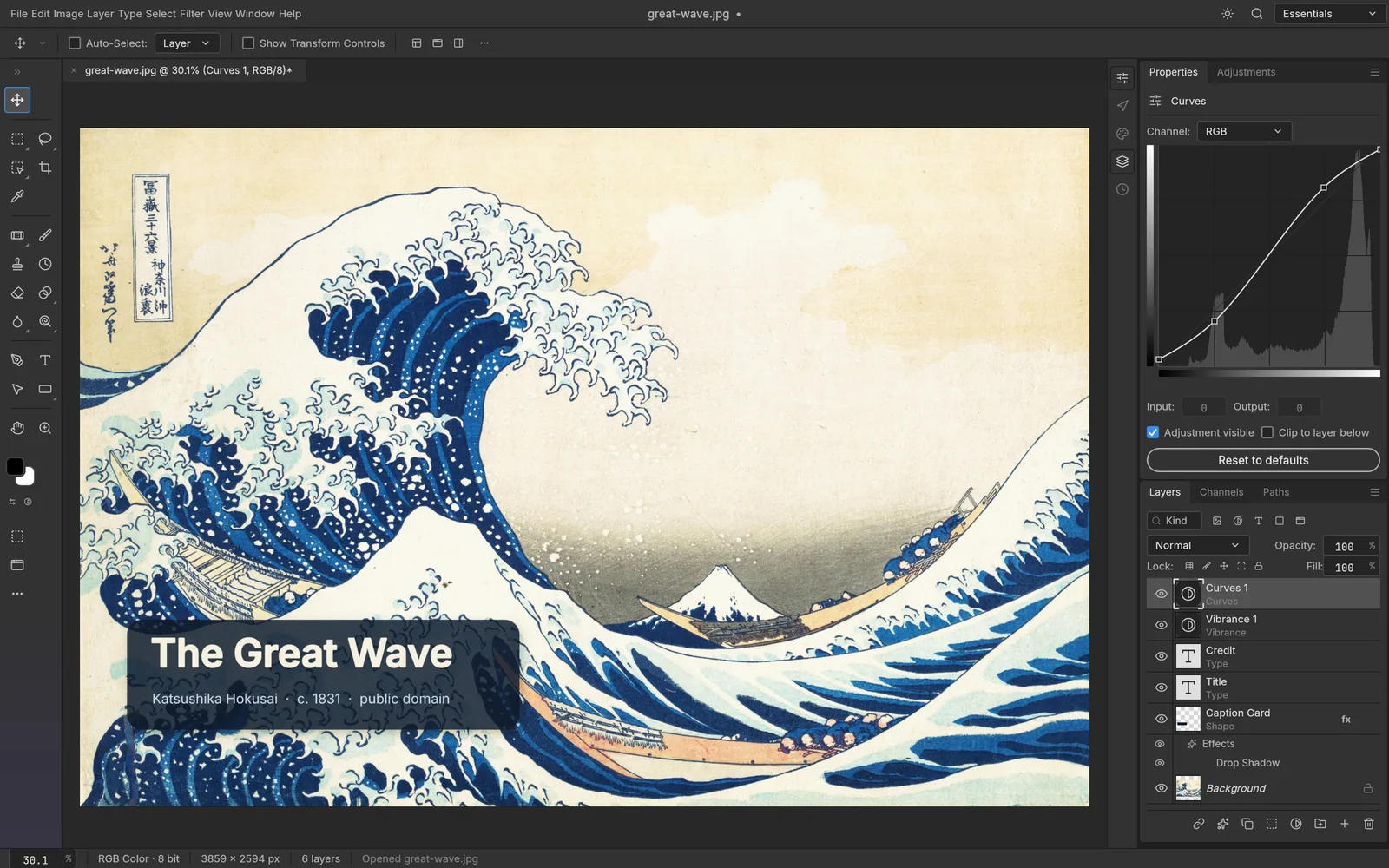
Tenzen’s desktop editor combines layered image editing with local selection models. Its September 2026 introduction makes it a recent arrival worth following.
Platforms, pricing & PSD features →
Seth A. Robinson’s MIT-licensed editor. Version 1.20 adds Windows ARM64 packages, Export for Web previews, themes and perspective painting. PDF import is not yet available on ARM64. These are publisher statements. Our separate PSD tests cover 1.11 and earlier.
Platforms, pricing & PSD features →See each guide for its checked date. Patchy has a limited CLI fixture check; other editors are not hands-on tested.
BEYOND PHOTOCRAFT
13 open-source apps for images, video, design and office work, plus Launcher and the AI creation studio.
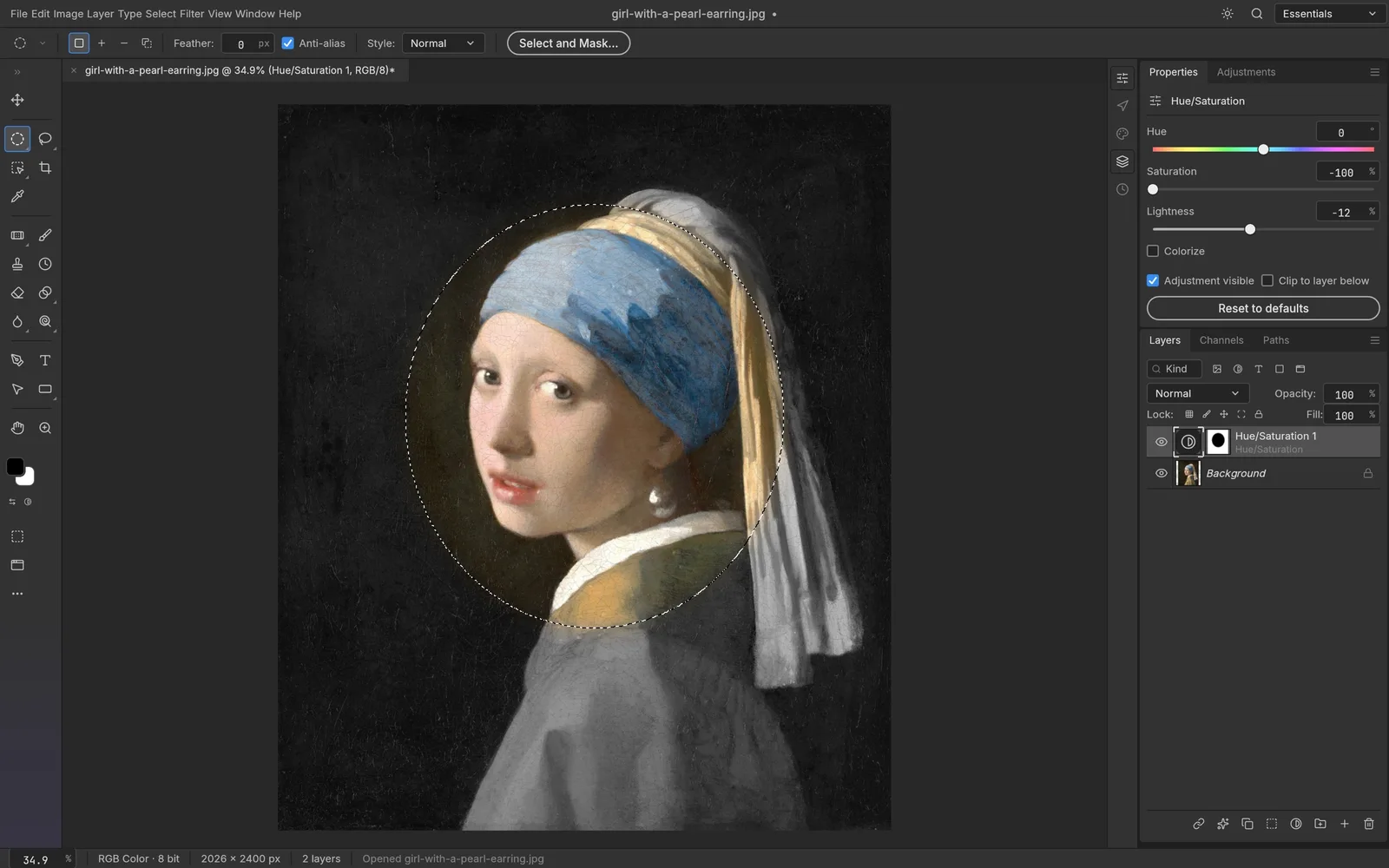
PSD FILE COMPATIBILITY
Correct rendering, editable objects and a file that Photoshop can reopen are different requirements. Use the checklist to test your own document.


